
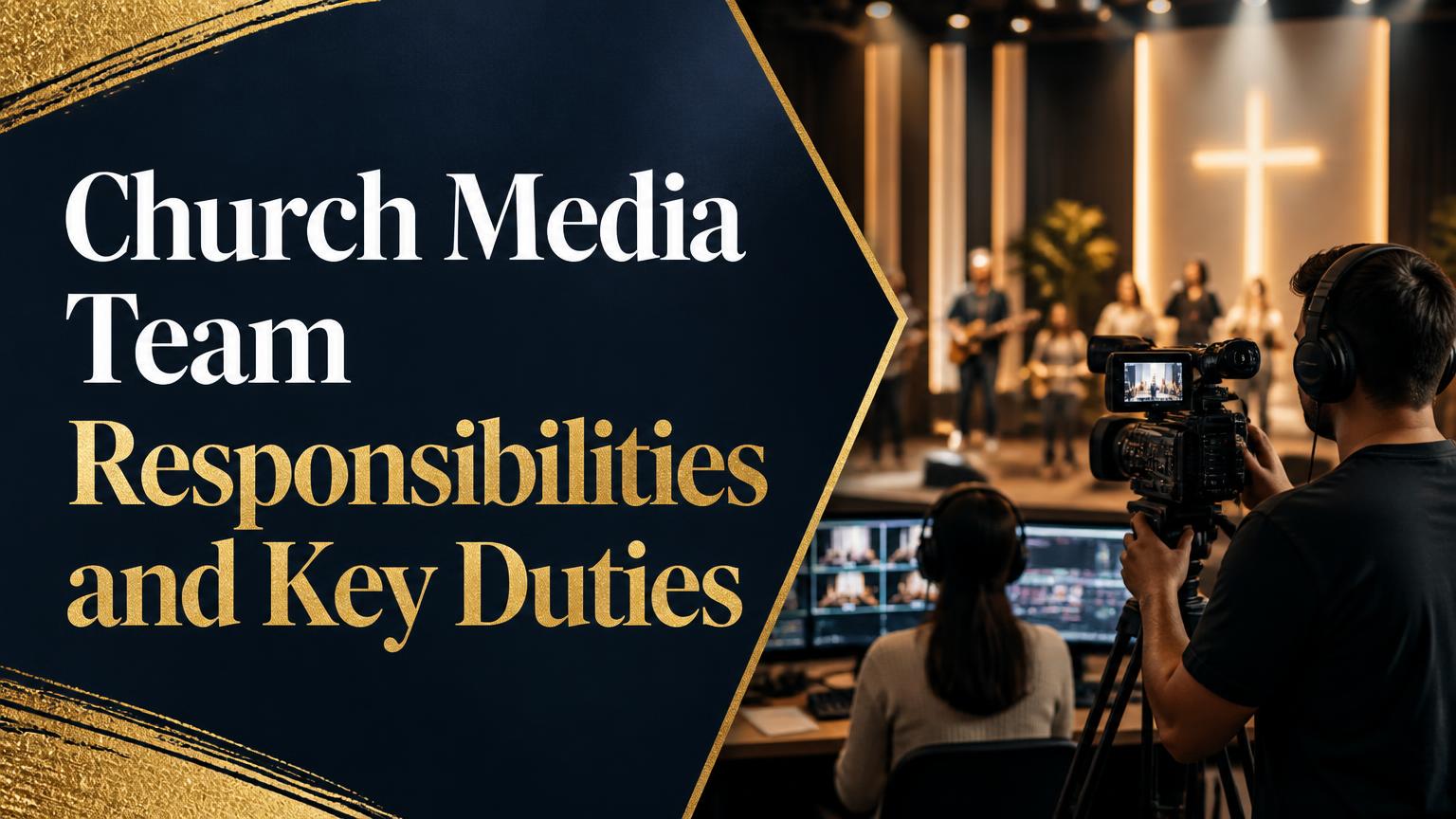
Church media team responsibilities extend far beyond operating cameras or displaying lyrics. A church media team helps the congregation hear, see, participate in, and sometimes revisit the church’s ministry. Its work may include audio production, presentation software, livestreaming, video creation, photography, online communication, equipment management, volunteer coordination, and technical support. The team must combine technical skill with pastoral awareness: the goal is not to draw attention to production, but to remove unnecessary distractions and support worship, teaching, fellowship, and outreach.
Church Media Team Responsibilities
A church media team is responsible for preparing and operating the technical systems that support church services and communications. The exact duties depend on the church’s size, budget, facilities, and ministry goals. In a smaller congregation, one volunteer may handle sound, slides, livestreaming, and recording. In a larger church, these tasks may be divided among specialized teams.
The central responsibility is service. Media should make the church’s message clearer and more accessible without competing with worship, preaching, prayer, or congregational participation. This requires preparation before an event, attentiveness during it, and review afterward.
Prepare Audio for Worship Services and Events
Audio is often the most important technical responsibility because poor sound can prevent people from understanding spoken words, music, Scripture, or announcements. The audio team may set up microphones, adjust the mixing console, manage monitors, balance instruments and vocals, and prevent feedback or distortion.
Preparation should include checking batteries, cables, microphones, direct boxes, speakers, and playback devices before people arrive. During the service, operators must listen continuously rather than simply follow a preset arrangement. A sermon may require a different microphone level from congregational singing, and a prayer or testimony may need a quick adjustment when an unplanned speaker steps forward.
Good church audio should sound natural and consistent throughout the room and, where applicable, through the livestream. The objective is intelligibility and participation, not maximum volume or elaborate effects.
Operate Presentation and Visual Systems
The presentation team displays song lyrics, Bible passages, sermon points, announcements, videos, and other visual material. Responsibilities include building the service file, checking spelling and Scripture references, placing slides in the correct order, and advancing content at the appropriate time.
Operators need to understand the service well enough to anticipate transitions. A slide that appears too early can distract the congregation, while one that appears too late can interrupt participation. They should also account for readability: adequate font size, strong contrast, uncluttered layouts, and enough time for people to read.
Visual media should support attention rather than overwhelm it. Excessive motion, crowded slides, decorative backgrounds, or unnecessary text may make information harder to follow. The best presentation work is often nearly invisible because it helps people participate without calling attention to itself.
Manage Cameras, Video, and Livestreaming
Churches that stream services or record them need people who can frame shots, switch camera views, monitor video quality, and respond to technical problems. A video operator may select wide shots, close-ups, speaker views, worship leaders, or congregation perspectives while respecting the atmosphere of the service.
Livestream responsibilities also include starting and ending the broadcast, checking the stream connection, monitoring audio and video synchronization, adding graphics when appropriate, and communicating with online viewers through approved channels. A recording may need basic editing, captioning, trimming, storage, or publication after the service.
Online viewers should receive a coherent experience rather than a camera feed that feels accidental. Camera movement, shot selection, lighting, and audio all influence whether remote participants can follow the service. At the same time, livestream production should respect people’s privacy and avoid filming children or sensitive pastoral situations without appropriate permission.
Create and Organize Church Content
Some media teams produce videos, photographs, graphics, podcasts, sermon clips, social media content, and promotional materials. These assets may support discipleship, visitor information, ministry recruitment, community outreach, or communication with members who cannot attend in person.
Content creation begins with understanding the purpose and audience. A short testimony video, a sermon excerpt, and a church event announcement require different formats, tones, lengths, and calls to action. The team should verify names, dates, locations, permissions, and theological wording before publication.
Organization matters as much as creativity. Files should have clear names, consistent folder structures, reliable backups, and defined access permissions. Without a system, valuable recordings become difficult to find, duplicate work increases, and the church may lose important historical material.
Support Church Communication and Visual Identity
Media teams often help maintain consistency across screens, printed graphics, websites, social platforms, email announcements, and event materials. This does not mean every church needs a formal marketing department. It means public communication should be accurate, recognizable, and aligned with the church’s mission.
The team may create announcement slides, event graphics, sermon artwork, digital invitations, or informational videos. Before publishing, it should confirm that the content is current and that the intended audience can understand what action to take. A visually attractive announcement is ineffective if it omits the registration deadline, location, age requirement, or contact information.
Media personnel should also know where their responsibility ends. Pastoral leaders and ministry directors generally determine the message, while the media team helps communicate it clearly. A defined approval process reduces confusion and prevents unreviewed material from being posted publicly.
Coordinate Volunteers and Service Coverage
Most church media ministries depend on volunteers. Coordinators recruit, schedule, train, encourage, and support people so that services are covered without placing the entire burden on a few individuals.
A useful schedule includes realistic rotation, arrival times, role descriptions, contact information, and a clear process for finding substitutes. Volunteers should know who makes decisions when equipment fails or a service changes unexpectedly. They also need opportunities to serve in more than one role gradually, rather than being placed in a complex position without preparation.
Healthy coordination recognizes that volunteers are serving people, not merely filling technical slots. Appreciation, feedback, manageable expectations, and pastoral care help prevent burnout. A team that is technically capable but chronically exhausted will eventually become unreliable.
Maintain Equipment, Software, and Technical Systems
Equipment stewardship is a continuing responsibility. The team may inventory cameras, microphones, cables, computers, projectors, lighting fixtures, networking devices, batteries, and adapters. It should label equipment, store it safely, inspect it regularly, and report failures before they affect a service.
Software and system maintenance also matter. Presentation files, streaming platforms, operating systems, audio scenes, passwords, licenses, and backups need responsible management. Access should be limited to appropriate people, especially when systems contain personal information or control public communication.
A written troubleshooting guide can reduce panic during an event. It might explain how to replace a microphone battery, restore a presentation computer, switch to a backup stream, mute a faulty channel, or contact technical support. Redundancy is valuable: spare cables, backup playback options, and tested fallback plans can keep a minor failure from becoming a major interruption.
How Church Media Teams Should Approach Their Work
Technical responsibilities become more effective when the team understands the ministry context. Media operators are not performing separately from the congregation; they are helping create conditions in which people can participate, hear teaching, receive information, and connect with the church.
Serve the Purpose of the Service
Every technical choice should serve the purpose of the gathering. A communion service, children’s program, funeral, youth event, and regular Sunday service may require different levels of camera movement, lighting, screen content, and audio support.
This principle helps the team decide what not to do. A dramatic visual effect may be appropriate for a concert but distracting during prayer. A close camera shot may communicate warmth in an interview but feel intrusive during a vulnerable pastoral moment. Technical excellence includes restraint and judgment, not just complexity.
Prepare Through a Clear Workflow
Reliable media ministry usually follows a repeatable workflow:
- Receive the service plan and content.
- Confirm speakers, musicians, videos, lyrics, Scripture passages, and announcements.
- Build and review presentation or broadcast materials.
- Test equipment and communication systems.
- Hold a short team briefing before the service.
- Operate the service while communicating discreetly.
- Save recordings and complete post-service tasks.
- Review significant problems and improve the process.
The workflow should include a deadline for receiving content. Last-minute changes are sometimes unavoidable, but treating every item as urgent increases errors and stress. A shared planning document or service order can help worship, pastoral, and media teams work from the same information.
Communicate With Pastoral and Ministry Leaders
Media teams need enough context to make wise technical decisions. A sermon title alone may not reveal whether a service includes a testimony, a sensitive subject, an altar call, a baptism, or an extended prayer. Regular communication with pastors and ministry leaders allows the team to prepare appropriately.
The relationship should work in both directions. Media leaders can explain the practical consequences of late changes, inaccessible files, poor lighting, or inadequate rehearsal time. Ministry leaders can explain the pastoral purpose behind a service element. Mutual understanding prevents technical preferences from overriding ministry priorities and prevents avoidable production problems.
Protect People, Privacy, and Trust
Church media work involves real people, including children, visitors, counseling participants, and individuals in emotionally vulnerable circumstances. Teams should follow the church’s policies for photography, recording, livestreaming, consent, and data handling.
Permission practices should be clear rather than assumed. Public events may still require special care around minors, prayer ministry, testimonies, or private conversations. Media workers should never publish embarrassing footage, confidential information, or identifiable images simply because the material is available.
Trust also includes accuracy. Do not alter a person’s testimony in a way that changes its meaning, publish an event with incorrect details, or use music, images, video, or software without appropriate rights. Responsible communication protects both the church and the people it serves.
Common Problems in Church Media Ministry
Many church media problems arise from unclear ownership rather than a lack of expensive equipment. If no one knows who approves content, prepares the service file, maintains the livestream, or contacts substitutes, tasks are easily overlooked. Written role descriptions and a simple chain of responsibility solve many recurring failures.
Another common mistake is pursuing production quality without considering congregational participation. Bright screens, excessive camera changes, loud music, or constant announcements can make a service feel like a broadcast rather than a gathered community. Technical decisions should be evaluated by asking whether they help people engage with the purpose of the moment.
Finally, churches often underinvest in training and documentation. A team that depends on one experienced operator is vulnerable when that person is absent. Cross-training, checklists, recorded procedures, and regular practice make the ministry more resilient. Improvement should be steady and practical rather than driven by a constant demand for newer technology.
How to Define Roles on a Church Media Team
A basic role structure may include a media coordinator, audio operator, presentation operator, camera or video operator, livestream director, content creator, and equipment or systems manager. One person may hold several roles, but the responsibilities should still be named clearly. Clear ownership makes preparation measurable and helps volunteers understand how their work connects with the wider service.
Churches should also distinguish between event-day duties and ongoing duties. Running sound on Sunday is different from maintaining microphones during the week. Advancing slides is different from writing announcement copy. Editing a sermon is different from deciding whether it should be published. Separating these tasks prevents important behind-the-scenes work from disappearing.
The right structure depends on the church’s actual needs. A small congregation may need a simple checklist and two trained volunteers. A larger church may require department leaders, scheduling software, technical standards, content approvals, and documented escalation procedures. The principle is the same: assign responsibility, provide training, and review whether the system serves the church well.
Conclusion
Church media team responsibilities include far more than controlling technology during a worship service. The team prepares audio, visuals, video, livestreams, communications, equipment, volunteers, and digital content so the church can worship, teach, serve, and communicate effectively. Its best work combines technical competence with humility, preparation, discretion, and awareness of the ministry’s purpose.
A strong media ministry is therefore measured by more than polished production. It is measured by clarity, reliability, accessibility, wise stewardship, respect for people, and its ability to support rather than overshadow the church’s message. When responsibilities are clearly defined and volunteers are trained and supported, media becomes a dependable ministry rather than a recurring source of last-minute problems.