
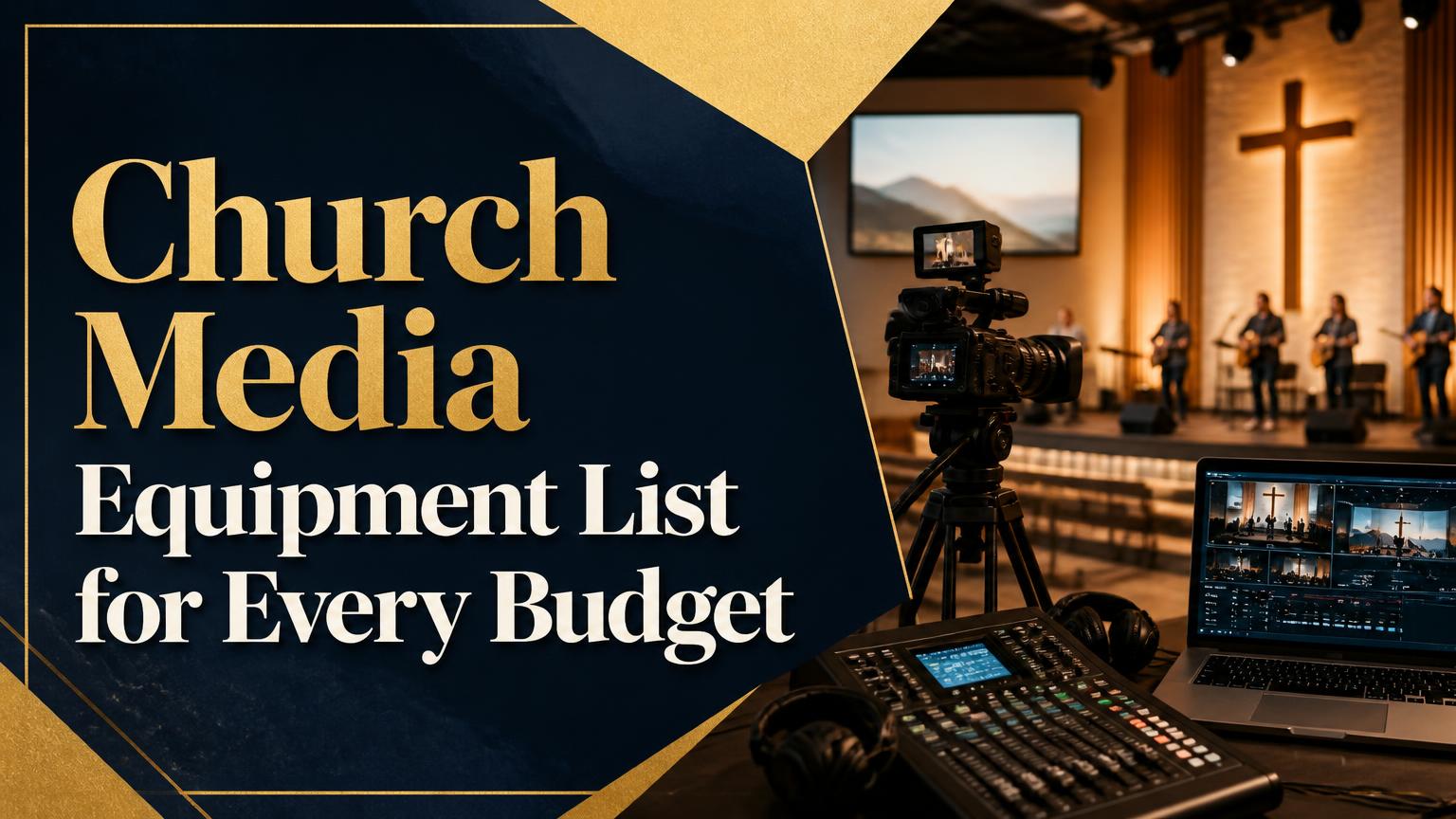
A church media system should do more than display lyrics or broadcast a service. It must capture clear speech and music, present content visibly to the room, stream reliably, and remain manageable for volunteers. The right church media equipment list depends on the congregation’s size, room layout, worship style, technical skill, and budget. A small church may need only a dependable sound system, presentation computer, and one streaming camera, while a larger church may require digital audio networking, multiple cameras, dedicated lighting, projection, recording, and backup systems.
Church Media Equipment List
The best approach is to organize equipment by the function it serves rather than by brand. Audio usually deserves the first investment because poor sound affects people in the room and online, while video upgrades have limited value if speech and music are unclear.
Audio Equipment for Speech and Worship
A basic church audio system typically includes a digital mixing console, main loudspeakers, stage monitors, microphones, microphone stands, direct boxes, cables, and a digital signal processor or built-in speaker processing. The mixer combines vocal microphones, instruments, playback audio, livestream sound, and spoken announcements, then sends each signal to the appropriate destination.
Useful microphone types include handheld dynamic microphones for singers and speakers, headset or lavalier microphones for pastors and presenters, and instrument microphones or direct boxes for guitars, keyboards, and other sources. A digital mixer is often preferable for churches because it can store scenes, support remote control, and simplify repeatable setups. However, a smaller analog mixer may be easier for a volunteer team to learn and maintain.
Do not assume that larger speakers automatically produce better sound. Loudspeaker placement, room acoustics, coverage, gain structure, and equalization have a greater effect on clarity. Churches should also budget for hearing assistance, a separate livestream mix, spare batteries, replacement cables, and at least one backup microphone.
Cameras and Video Capture
A video system may include one or more cameras, tripods or wall mounts, camera operators’ monitors, video cables, a switcher, capture devices, and recording storage. A single camera can support a simple livestream, but two or three angles make a service more useful online: a wide shot, a speaker or pulpit shot, and a tighter worship or musician shot.
PTZ cameras can be controlled remotely and work well when a church wants repeatable framing with a small volunteer team. Camcorders and interchangeable-lens cameras may provide better image quality or low-light performance, but they require more operator involvement. The choice should reflect the people available to run the system, not only the camera’s specifications.
A video switcher selects the live camera feed, presentation slides, prerecorded clips, or graphics. If the church streams directly from a computer, it may also need HDMI or SDI capture hardware, depending on the camera and switcher outputs. Use consistent resolution and frame-rate settings across the system to reduce compatibility problems.
Presentation and Projection Equipment
Presentation equipment commonly includes a reliable computer, presentation software, one or more projectors or large displays, projection screens, confidence monitors, and a presentation clicker. A confidence monitor faces the worship leader or speaker and shows lyrics, notes, timers, or service cues without forcing them to look behind the congregation.
Projectors remain useful for large rooms and wide screens, but they require appropriate brightness, careful placement, lamp or laser maintenance, and control of ambient light. Commercial displays may be simpler to install in smaller rooms, although multiple displays can become expensive in a large sanctuary.
The presentation computer should have sufficient processing power, multiple video outputs when needed, current software, and a backup plan. A second prepared computer, duplicated presentation files, or a printed service outline can prevent a minor technical failure from stopping the service.
Streaming, Recording, and Media Control
A livestream setup generally requires an internet connection with dependable upload capacity, a streaming computer or hardware encoder, a video source, an audio feed, streaming software or a hardware control system, and a platform account. The livestream audio should normally come from a dedicated mix rather than simply copying the room speakers, because the online audience hears a different balance in an untreated acoustic environment.
Recording equipment may include a dedicated recorder, storage drives, memory cards, and a system for naming and backing up files. A church that records sermons should decide whether it needs only the finished program feed or separate camera and audio tracks for later editing. Recording isolated sources provides more flexibility but requires more storage and organization.
Graphics equipment can include lower-thirds, sermon slides, announcement videos, countdowns, lyric overlays, and presentation software. These elements should support the service rather than compete with it. A simple, readable layout is more effective than excessive animation or decorative graphics.
Lighting, Networking, and Support Equipment
Basic lighting equipment may include LED key lights, fill lights, stage washes, light stands or mounting hardware, a lighting controller, and appropriate power distribution. Better lighting improves camera exposure and skin tones, particularly in rooms where the existing stage lighting is designed for people in the sanctuary rather than cameras.
Networking equipment becomes important when consoles, cameras, computers, and control surfaces communicate over a local network. Churches may need a business-grade router, managed network switches, wired connections, wireless access points, and a separate network for production devices. Critical equipment should use wired connections whenever practical.
Often-overlooked support items include extension cords, power conditioners, uninterruptible power supplies, cable ramps, labeled cables, adapters, storage cases, spare batteries, stands, gaffer tape, cleaning supplies, and equipment racks. These items do not appear impressive, but they determine whether a system is safe, organized, and repairable on a busy service day.
Church Media Equipment by Budget
Budget ranges vary widely by room size, labor costs, existing infrastructure, and whether equipment is purchased new or used. The following categories are planning estimates rather than fixed prices. Installation, electrical work, acoustic treatment, internet service, software subscriptions, and volunteer training may add substantially to the equipment cost.
Starter System: Approximately $1,500 to $5,000
A starter system can support clear in-room audio, basic presentations, and a simple online broadcast. Priorities may include a compact mixer, two main speakers, several microphones, direct boxes, stands, cables, a presentation computer, one camera, a tripod, a capture device, and basic lighting.
A church in this range should avoid spreading money across too many weak components. One dependable camera is more useful than several poorly placed cameras, and a well-configured audio system is more valuable than elaborate graphics. If the room already has speakers or a projector, the budget can focus on microphones, mixing, streaming, and necessary infrastructure.
Growing System: Approximately $5,000 to $20,000
A growing church may add a digital console with remote control, improved loudspeakers, wireless microphones, stage monitors, two or three cameras, a video switcher, confidence monitors, LED lighting, and a dedicated streaming computer. It may also improve network cabling, storage, cable management, and operator workstations.
At this stage, system integration becomes more important than individual purchases. The church should establish consistent signal flow, document connections, create saved mixer and lighting scenes, and train several people rather than relying on one technically experienced volunteer. A modest reserve for maintenance and replacement equipment is also wise.
Advanced System: More Than $20,000
An advanced installation may include distributed loudspeaker systems, digital audio networking, multiple PTZ or cinema-style cameras, professional video routing, redundant recording, broadcast graphics, dedicated production rooms, acoustic treatment, permanent lighting, and installed cabling. Larger facilities may also require separate mixes for the room, livestream, overflow spaces, and recording.
Higher expenditure does not automatically produce a better ministry environment. Complex systems increase training requirements, maintenance needs, and the number of ways a failure can occur. Advanced equipment makes sense when the church has the room, staff or volunteers, content needs, and operational discipline to use it consistently.
How to Choose and Build the System
Start with the room and the service workflow, not with a shopping list. Draw the signal path from microphones and instruments to the mixer, speakers, livestream, and recording system. Then map the video path from cameras and presentation computers to the switcher, displays, recorder, and stream. This exposes missing adapters, cable-length problems, incompatible connections, and power requirements before installation begins.
Prioritize clarity and reliability over specifications that do not affect the congregation’s experience. For most churches, a sensible order is sound reinforcement, microphones, presentation, dependable power and cabling, streaming audio, one good camera, additional cameras, lighting, and advanced production features. The order changes if the church’s primary ministry is online broadcasting, but the same principle applies: improve the part of the system the audience experiences most directly.
Compatibility deserves special attention. Check connector types, signal formats, resolution, frame rate, audio routing, network requirements, mounting hardware, and software support before buying. Also consider who will operate each system. A technically impressive setup that only one person understands is a significant operational risk. Written procedures, labeled cables, saved presets, and regular training often improve results more than another equipment upgrade.
Common Church Media Mistakes to Avoid
One common mistake is buying equipment for a larger production than the church can operate. Multiple cameras, complicated routing, and advanced lighting create little value when volunteers cannot set up, troubleshoot, and run them confidently. A smaller system with clear procedures usually performs better than an ambitious system used inconsistently.
Another mistake is ignoring acoustics, network reliability, and power. Microphone feedback, muddy speech, unstable livestreams, and unexplained shutdowns often result from room reflections, overloaded circuits, weak wireless coverage, or poor cable management rather than defective headline equipment. Churches should test the complete system under realistic conditions, including a full worship band, spoken announcements, presentation playback, and an online stream.
The equipment list should also include documentation and contingency planning. Keep an inventory of serial numbers, cables, adapters, presets, passwords, and maintenance dates. Identify what happens if the presentation computer fails, the internet drops, a microphone battery dies, or a camera loses power. A backup microphone, offline presentation files, local recording, and a simple service plan can protect the congregation from preventable disruptions.
Conclusion
A useful church media equipment list begins with the church’s actual room, worship style, audience, budget, and volunteer capacity. The essential categories are audio, video, presentation, streaming, lighting, networking, power, and support equipment, but they do not deserve equal spending at every stage. Clear sound and dependable operation should usually come first, followed by carefully integrated video and presentation tools. As the system grows, documentation, training, backups, and compatibility become as important as equipment quality. The strongest setup is not the most elaborate one; it is the system the church can operate reliably and improve deliberately.