
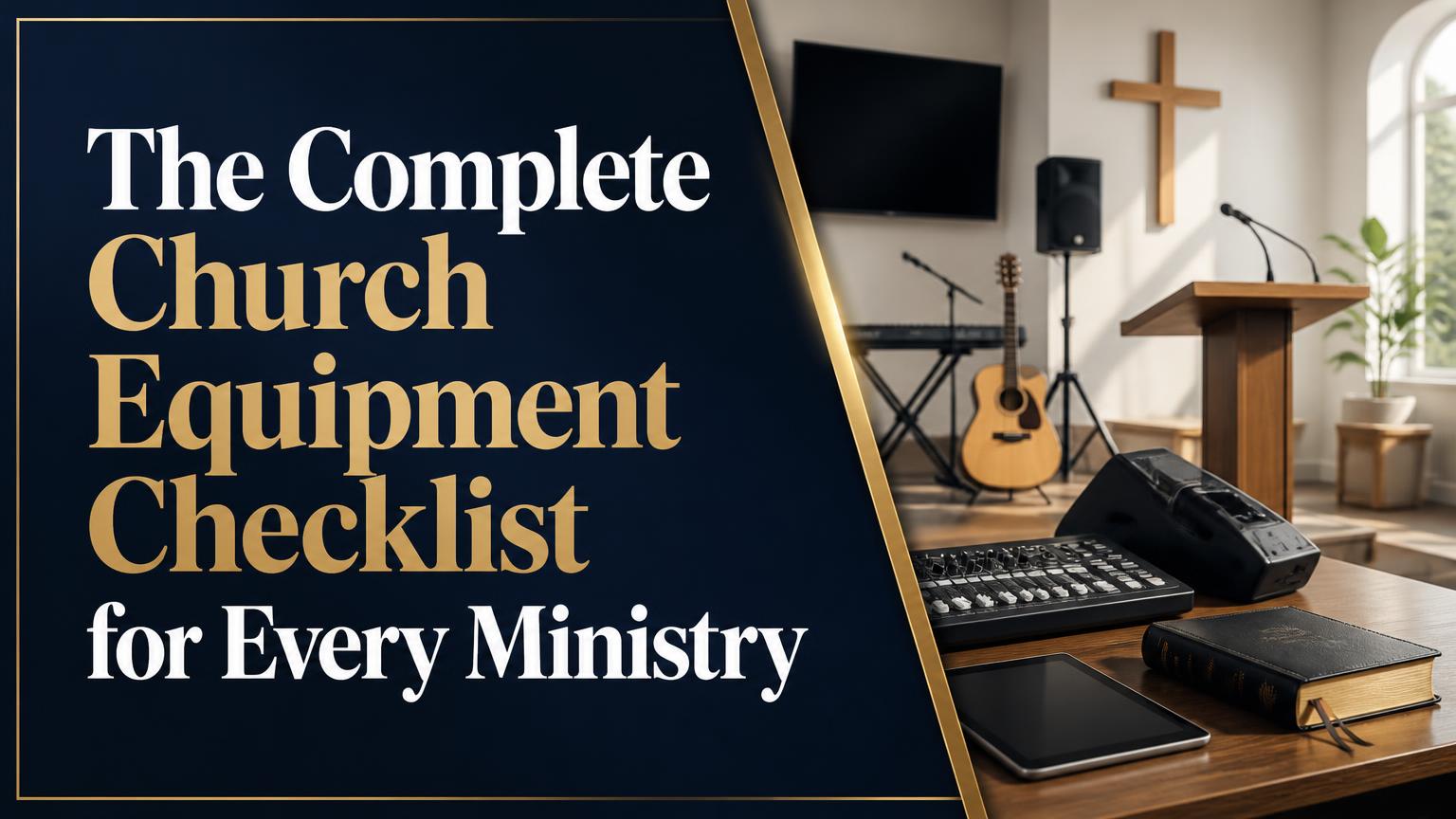
A church equipment checklist should cover more than microphones and chairs. A functional church needs equipment for worship, teaching, children’s ministry, communication, hospitality, administration, safety, accessibility, and facility care. The right list depends on the congregation’s size, building, budget, worship style, and ministries, so the goal is to identify essential equipment first and add specialized items only when they serve a clear purpose.
Church Equipment Checklist
Use this checklist as a planning framework. Some items are foundational for nearly every church, while others apply only to particular ministries or facility arrangements.
Worship Space and Seating
The worship environment should support clear sightlines, safe movement, comfortable seating, and flexible use of the room.
- Chairs or pews appropriate for the congregation
- Accessible seating spaces for wheelchairs and mobility devices
- Pulpit, lectern, or music stand
- Communion table or serving table
- Baptismal equipment, if the church conducts baptisms on-site
- Platform or risers, if needed
- Portable room dividers or curtains
- Coat racks or hooks
- Waste and recycling bins
- Fans, heaters, or supplemental climate-control equipment where necessary
- Adequate lighting for reading, movement, and worship
- Directional signs and room labels
Keep aisles clear and wide enough for ordinary traffic and emergency evacuation. Equipment placed on a platform should be stable, secured against tipping, and arranged so cables do not create trip hazards.
Audio Equipment
A dependable sound system improves participation by allowing people to hear speech, music, Scripture readings, announcements, and prayers clearly. More equipment does not automatically produce better sound; appropriate system design and trained operation matter just as much.
- Mixing console
- Main speakers
- Subwoofers, where appropriate for the music style and room
- Stage monitors or in-ear monitoring systems
- Wired or wireless microphones
- Microphone stands and clips
- Direct boxes for instruments
- Instrument and microphone cables
- Cable ramps or cable covers
- Audio interface or recording output
- Headphones for sound checks
- Spare batteries for wireless microphones
- Spare cables, adapters, and connectors
- Power distribution and surge protection
- Digital or printed channel lists and system diagrams
A church should keep at least one dependable wired microphone available even when wireless equipment is used. Wired microphones can serve as a backup when batteries fail, wireless interference occurs, or a system requires troubleshooting.
The audio system should be sized for the room rather than purchased solely according to the number of musicians. A small room may need little amplification, while a large or acoustically difficult space may require professional design to control feedback and uneven coverage.
Music and Worship-Team Equipment
The worship team’s needs vary considerably. A church may use a piano and choir, a full band, recorded accompaniment, an organ, or several combinations.
- Piano, keyboard, or organ
- Keyboard stand and bench
- Drum kit and hardware, if required
- Guitar and bass amplifiers
- Instrument stands
- Music stands and sheet music folders
- Guitar stands and instrument storage
- Percussion instruments
- Tuning devices and metronomes
- Spare strings, picks, drumsticks, and basic instrument accessories
- Choir risers, if needed
- Music licenses or legal access to worship materials, where applicable
Store instruments in a secure, climate-appropriate area. Temperature, humidity, dust, and careless handling can damage musical equipment, particularly pianos, acoustic instruments, and electronic devices.
Presentation, Projection, and Streaming
Visual communication is useful for song lyrics, Scripture, sermon notes, announcements, training, and online participation.
- Projector or large display
- Projection screen or properly mounted display
- Presentation computer
- Presentation or lyric software
- HDMI, USB-C, and other necessary adapters
- Video distribution equipment
- Confidence monitor for speakers or worship leaders
- Remote presenter
- Slide templates and media library
- Cameras for livestreaming or recording
- Camera tripods or fixed mounts
- Video switcher
- Streaming computer or encoder
- Lighting suitable for video
- Stable internet connection
- Backup recording or storage system
A presentation system should remain usable even if the internet fails. Keep critical lyrics, Scripture passages, sermon notes, and announcements available locally rather than relying entirely on cloud services.
Streaming also requires more than a camera. Audio quality, lighting, bandwidth, copyright permissions, volunteer training, and a reliable workflow often affect the viewer’s experience more than camera resolution alone.
Children’s Ministry and Nursery
Children’s areas require equipment that is age-appropriate, washable, secure, and easy for volunteers to supervise. Select products according to the ages served and follow applicable safety requirements.
- Age-appropriate tables and chairs
- Cribs, changing tables, and nursery furniture
- Soft play mats
- Books and teaching materials
- Art supplies
- Dry-erase boards or easels
- Toys designed for the relevant age groups
- Clearly labeled storage bins
- Check-in computer, tablet, or registration supplies
- Name tags and parent identification materials
- First-aid kit
- Disinfecting and cleaning supplies
- Hand sanitizer and handwashing access
- Disposable gloves and changing supplies
- Secure doors, gates, or child-safety hardware where appropriate
- Emergency contact information and attendance records
Avoid mixing small parts with equipment intended for infants or toddlers. Inspect toys, furniture, cords, and play equipment regularly for breakage or hazards. A check-in system should protect children’s information and give authorized workers a clear process for releasing them.
Hospitality, Fellowship, and Events
Hospitality equipment supports meals, coffee service, community gatherings, funerals, classes, and special events.
- Folding tables
- Serving tables and food-safe surfaces
- Additional chairs
- Coffee makers or beverage dispensers
- Hot-water equipment
- Cups, plates, utensils, and serving tools
- Food-storage containers
- Refrigerators and freezers, if needed
- Waste and recycling containers
- Tablecloths and signage
- Portable beverage carts
- Cleaning and sanitizing supplies
- Extension cords rated for the intended equipment
- Portable fans or heaters where appropriate
Food preparation and service should follow applicable health and fire-safety requirements. Keep hot equipment, electrical cords, cleaning chemicals, and food allergens under appropriate control.
Office and Administrative Equipment
Administrative equipment helps the church manage communication, records, finances, volunteers, and facilities.
- Computers or laptops
- Monitors, keyboards, and docking stations
- Printer and scanner
- Secure document storage
- Shredder
- Telephone or communication system
- Reliable network equipment
- Wi-Fi access points
- Surge protection or uninterruptible power supplies for critical devices
- Filing and storage cabinets
- Label maker
- Office supplies
- Accounting, membership, scheduling, or room-booking software
- Password-management and backup procedures
Administrative equipment should be matched with privacy practices. Membership records, child-protection information, financial data, and pastoral communications may require restricted access, strong passwords, regular backups, and secure disposal.
Safety, Security, and Accessibility
Safety equipment is not optional infrastructure. It should be visible, maintained, accessible, and included in staff and volunteer training.
- First-aid kits in clearly marked locations
- Automated external defibrillator, where feasible and properly maintained
- Fire extinguishers suited to the building and hazards
- Smoke and carbon-monoxide detectors where required
- Emergency lighting and exit signs
- Flashlights and spare batteries
- Emergency contact lists
- Two-way radios or another internal communication method
- Security cameras, where appropriate and lawfully used
- Door and key-control system
- Incident-report forms
- Weather or emergency notification equipment
- Wheelchair-accessible ramps, routes, and door hardware
- Accessible restroom equipment
- Hearing assistance system or assistive listening devices
- Large-print or alternative-format materials
Equipment alone does not create a safety program. Churches should also establish evacuation procedures, severe-weather plans, child-protection procedures, incident reporting, and regular inspection schedules. Local building, fire, accessibility, and occupational requirements may determine what is necessary.
Facilities and Maintenance
Facility equipment keeps the building usable between services and reduces preventable damage.
- Vacuum cleaners
- Brooms, mops, buckets, and dustpans
- Cleaning chemicals with labels and safety information
- Gloves and protective equipment
- Ladders appropriate to the task
- Basic hand tools
- Cordless drill and batteries
- Extension cords
- Step stools
- Light bulbs or approved replacement lamps
- Basic plumbing supplies
- Snow, ice, or outdoor maintenance tools where applicable
- Outdoor bins and grounds-care equipment
- Storage shelving
- Locks and security hardware
- Inventory labels
Only trained people should perform electrical, structural, gas, roofing, or other specialized work. A maintenance checklist should identify what volunteers may safely handle and when a licensed professional is required.
How to Prioritize Church Equipment Purchases
The best purchasing order begins with safety, basic function, and stewardship rather than appearance or technical sophistication.
Start With Essential Function
First identify what the church must do each week:
- Welcome and seat people safely.
- Communicate clearly through speech and music.
- Provide age-appropriate ministry for children.
- Maintain clean, accessible, and secure facilities.
- Manage essential records and communication.
- Respond to foreseeable emergencies.
Purchase equipment that supports these functions before adding decorative items, advanced production features, or specialized ministry tools.
Evaluate Total Cost of Ownership
The purchase price is only one part of the cost. Consider:
- Installation and required accessories
- Software subscriptions
- Batteries and consumables
- Repairs and replacement parts
- Training time
- Storage requirements
- Insurance and security
- Energy use
- Expected service life
A less expensive item may cost more over time if it fails frequently or requires equipment the church does not already own. Conversely, the most advanced option may be wasteful if volunteers cannot operate it or the ministry rarely uses its features.
Standardize Where Practical
Using compatible cables, batteries, software, storage bins, and control systems reduces confusion and simplifies training. Standardization should not prevent the church from choosing the right tool, but unnecessary variety creates more failure points and increases the number of spare parts required.
Equipment Management, Storage, and Maintenance
A checklist becomes useful only when someone maintains it. Assign responsibility for each equipment category and record the item, location, condition, purchase date, warranty information, and replacement priority.
Use a simple inspection schedule:
- Before each service or event: Check microphones, cables, batteries, seating, exits, bathrooms, and children’s areas.
- Monthly: Test emergency equipment, inspect extension cords, review inventory, and clean frequently handled items.
- Quarterly: Check software, backups, stored furniture, instruments, security devices, and accessibility routes.
- Annually: Review the full equipment plan, insurance requirements, emergency procedures, technology needs, and replacement budget.
Store equipment in labeled, dry, secure locations. Keep heavy items low, protect electronics from moisture and dust, coil cables correctly, and avoid overloading electrical circuits. Maintain a small reserve of high-failure or high-impact items, such as batteries, cables, lamps, adapters, and a dependable microphone.
Common Mistakes to Avoid
Churches often encounter problems not because they lack equipment, but because equipment was selected or managed poorly.
- Buying a sound system without considering room acoustics
- Choosing technology that no volunteer can confidently operate
- Forgetting adapters, stands, cables, power supplies, or mounting hardware
- Storing expensive equipment in unsecured or unsuitable areas
- Failing to label shared equipment
- Using consumer-grade items for demanding public or commercial applications
- Ignoring accessibility when planning rooms and services
- Treating livestreaming as a camera-only project
- Allowing children’s equipment to become unsanitary or damaged
- Replacing items without documenting why they failed
- Relying on a single volunteer who alone understands a critical system
A well-designed system should be understandable to more than one person. Document basic procedures and train backups so ministry does not depend on one individual’s availability.
Final Checklist for Building the List
Before approving a purchase, ask:
- Does this item support a defined ministry or facility need?
- Is it safe and accessible for the people who will use it?
- Will the church have the space, power, storage, and training it requires?
- Are necessary accessories included in the budget?
- Can the church maintain, repair, and secure it?
- Is there a simpler option that would serve the same purpose?
- Does the equipment work with systems the church already owns?
- Who is responsible for its use and upkeep?
A complete church equipment checklist is not a catalog of everything a church could own. It is a practical plan that connects equipment to ministry purpose, safety, accessibility, trained users, and sustainable maintenance. Start with essential needs, choose reliable and compatible tools, and expand only when additional equipment clearly improves the church’s ability to serve people well.