
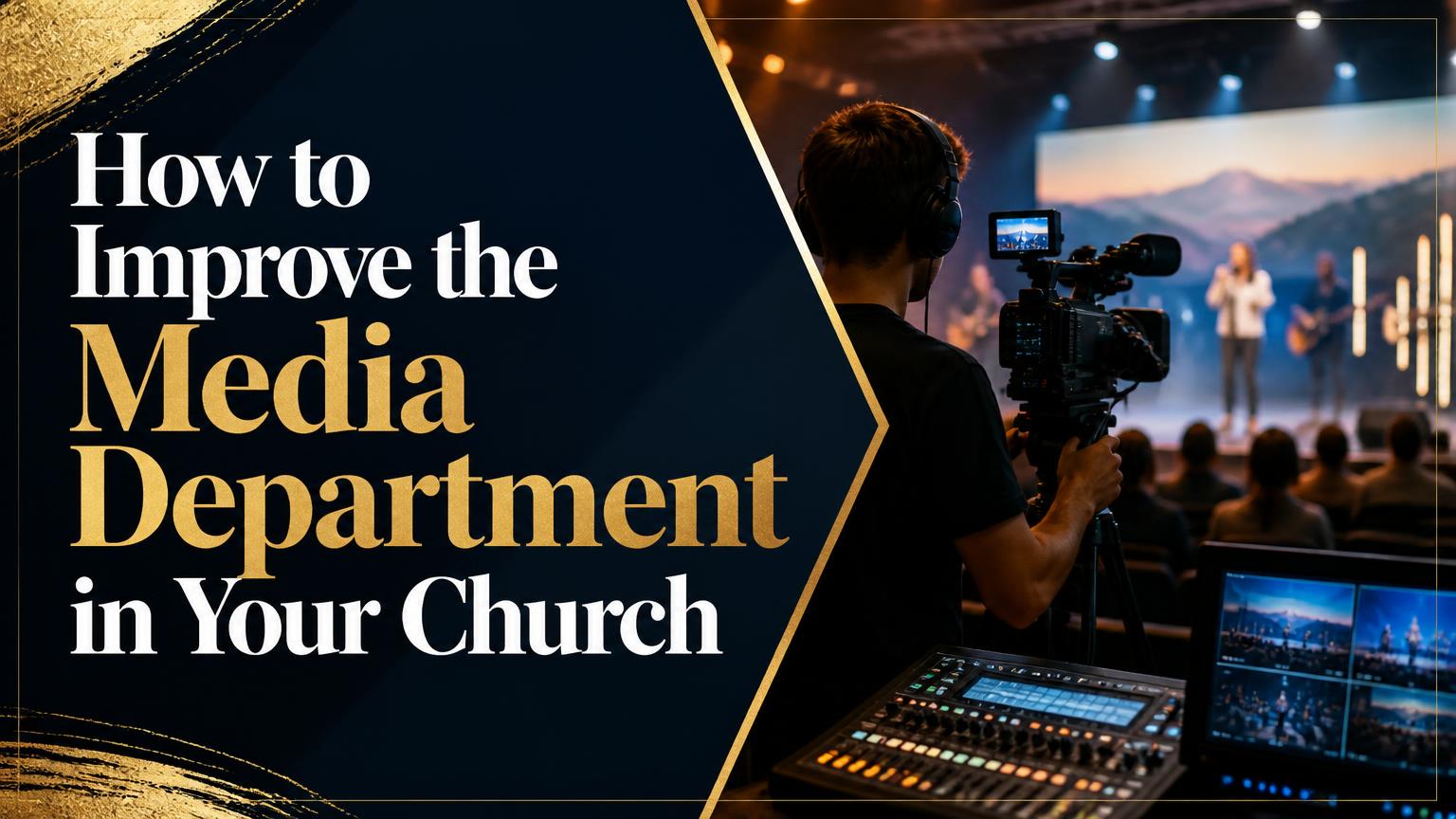
A strong church media department does more than operate cameras, microphones, projectors, or livestream software. It helps the congregation participate, helps remote viewers connect, and supports the church’s communication beyond the worship service. Improving it requires more than purchasing newer equipment. The most effective approach combines a clear ministry purpose, trained people, dependable processes, appropriate technology, responsible stewardship, and regular evaluation. When those elements work together, media becomes a reliable ministry rather than a source of weekly emergencies.
How to Improve the Media Department in Church
Improving a church media department begins with ministry alignment. Technology should serve worship, discipleship, communication, and hospitality rather than become an end in itself. The following priorities provide a practical framework for evaluating and strengthening the department.
Set a Ministry Purpose Before Buying Equipment
Write down what the media department is expected to accomplish. Its responsibilities might include supporting congregational worship, broadcasting services, recording sermons, producing announcements, documenting church events, assisting ministry teams, or helping people with disabilities participate more fully.
This purpose prevents equipment purchases from driving the ministry. A church that primarily needs clear speech in the room may benefit more from audio improvements than from additional cameras. A church serving many remote viewers may need better encoding, internet reliability, captions, and online follow-up. First Corinthians 14:40 connects gathered worship with order and propriety; in practical terms, preparation and organization help technology support the church’s purpose instead of distracting from it.
Assess the Current Department Honestly
Conduct a complete review of the department before deciding what to change. Examine the quality and reliability of sound, video, lighting, presentation graphics, livestreaming, recording, internet service, storage, cables, power, and operator workstations. Also assess less visible issues: unclear responsibilities, inconsistent training, volunteer fatigue, poor communication, and last-minute preparation.
Separate symptoms from root problems. Repeated microphone failures may result from aging equipment, but they may also reflect poor battery management or a lack of pre-service testing. An unreliable livestream may be caused by insufficient upload speed, unstable software, weak network configuration, or an overloaded volunteer. Document problems, frequency, consequences, and possible solutions. This creates a prioritized improvement plan instead of an expensive collection of guesses.
Build a Reliable Volunteer Team
A healthy department needs more than one technically skilled person. Assign clear roles such as audio operator, camera operator, presentation operator, livestream director, stage or service communicator, equipment coordinator, and department leader. Smaller churches may combine roles, but each responsibility should still have an identified owner.
Recruit volunteers according to dependability, teachability, communication, and willingness to serve—not only technical experience. First Peter 4:10 describes believers as stewards of God’s varied gifts, which supports a ministry model that develops people rather than relying indefinitely on a single expert. Pair new volunteers with experienced operators, create beginner-friendly training sessions, and maintain a rotating schedule so the department does not depend on the same people every week.
Standardize Workflows and Service Preparation
Written procedures reduce mistakes and make it easier for new volunteers to serve. Create checklists for setup, soundcheck, camera checks, presentation review, livestream launch, recording, shutdown, and equipment storage. Include details such as battery charging, microphone assignments, song slides, sermon files, cable inspection, online service descriptions, and backup plans.
Set preparation deadlines with pastors, worship leaders, speakers, and communications staff. For example, presentation files and sermon media should arrive early enough for review rather than minutes before the service. A short pre-service meeting can confirm the order of worship, transitions, special elements, speaking microphones, videos, and unusual technical needs. Good workflow is not bureaucracy; it protects attention during worship and lowers stress for volunteers.
Improve Technical Quality in the Right Order
Technical improvement should begin with the elements people experience most directly. In many churches, intelligible speech is more valuable than elaborate visuals. Prioritize microphone selection and placement, speaker coverage, gain structure, room acoustics, monitor levels, and feedback control. A livestream with attractive video still fails if viewers cannot understand the sermon or singing.
After audio, address image composition, exposure, camera movement, projection readability, lighting consistency, and stream stability. Use shots that help viewers follow the service instead of constant movement or distracting effects. Check that lyrics and Scripture are large enough to read from the back of the room and on a phone. Accessibility may also require captions, clear spoken descriptions, adequate contrast, and recordings that remain understandable without relying entirely on visual information.
Measure Results and Improve Gradually
Review the department using evidence rather than personal preference. Useful measures include service interruptions, preventable technical failures, volunteer retention, training completion, livestream stability, recording quality, caption accuracy, and feedback from both in-person and online participants. A brief post-service review can identify one success, one problem, and one action for the following week.
Avoid changing everything at once. Choose a few high-impact improvements, assign responsibility, set a realistic deadline, and evaluate the result. For instance, improving microphone preparation may solve more weekly frustration than replacing an entire sound system. Continuous improvement also allows the church to learn what actually helps people hear, see, understand, and participate.
Technical Improvements That Make the Biggest Difference
Technology should be selected according to the room, ministry goals, volunteer capacity, and available budget. A sophisticated system can create more problems if volunteers cannot operate it consistently or if the church cannot maintain it. Reliable, understandable technology usually serves ministry better than equipment chosen mainly for impressive specifications.
Make Speech Intelligibility the First Audio Goal
The congregation should be able to understand the sermon, prayers, announcements, and Scripture without straining. This depends on the complete audio chain: microphone technique, microphone type, console settings, loudspeaker placement, room reflections, and operator decisions. Increasing volume alone does not solve unclear sound and may make reverberation or feedback worse.
Use a repeatable soundcheck that tests every speaking microphone and musical input. Establish sensible gain levels and document common settings. Teach speakers to remain near the microphone and help worship leaders understand how monitor volume affects their performance. If the room has serious acoustic problems, professional assessment or treatment may produce more benefit than another console or microphone.
Design a Livestream for Viewers, Not Just the Room
An online audience needs a coherent experience rather than an unedited view of whatever happens to be in front of one camera. Use stable framing, appropriate exposure, understandable audio, and transitions that follow the service. If the budget permits multiple cameras, assign each one a purpose—for example, a wide service view, a speaker shot, and a worship-focused angle.
Test upload stability before relying on a livestream. Maintain a recording when possible so a brief platform interruption does not eliminate the service archive. Display accurate titles and descriptions, monitor the stream from a separate device, and establish a plan for what the operator should do if video, audio, or internet service fails.
Make Presentation and Visual Communication Readable
Slides should reinforce participation, not compete with it. Use large text, strong contrast, restrained backgrounds, and consistent formatting. Avoid overcrowding slides with long paragraphs or decorative elements that reduce legibility. Check the presentation on the actual screens and under the room’s lighting conditions.
Prepare sermon graphics, videos, announcements, and Scripture references in advance. Confirm that video audio is routed correctly and that embedded media works on the presentation computer. A second operator or reviewer should proofread names, dates, Bible references, and announcements because a technically flawless presentation can still communicate inaccurate information.
Develop People, Safety, and Accountability
A church media department handles more than equipment. It manages attention, personal information, financial resources, and the public representation of the congregation. Clear expectations protect both the ministry and the people it serves.
Train for Competence and Character
Training should cover both operation and ministry conduct. Volunteers need to know how to use equipment, but they also need to understand when to make a change, when to remain unobtrusive, and how to communicate calmly during a problem. Operators should avoid drawing attention to themselves through unnecessary camera movement, dramatic effects, or experimentation during worship.
Establish a training path: observation, supervised practice, independent service, and periodic review. Provide quick-reference guides at each station. Encourage volunteers to report mistakes without fear of humiliation. A department that learns from errors will become more reliable than one that hides them until they become crises.
Protect Privacy, Children, and Sensitive Situations
Church photography and streaming can involve children, counseling situations, prayer ministry, funerals, and people who do not want to appear online. Create a clear policy for consent, image use, storage, livestream framing, and removal requests. Do not casually publish close-ups of minors or sensitive pastoral moments.
Limit access to recordings and shared drives according to actual responsibilities. Retain files only as long as the church has a legitimate reason to keep them, particularly when they include personal information. Media leaders should coordinate with church leadership so privacy expectations are communicated before events rather than handled after a concern arises.
Budget for Maintenance and Resilience
A responsible budget includes more than the purchase price. Account for cables, batteries, adapters, software, subscriptions, repairs, replacement cycles, training, storage, internet service, and backup equipment. Keep an inventory with model numbers, purchase dates, locations, and known issues.
Use a priority system: safety and reliability first, clear communication second, improved capability third, and optional production enhancements last. Maintain practical backups for essential items such as microphones, batteries, cables, presentation files, and recording methods. Counting the cost before beginning a project reflects the planning principle in Luke 14:28 and prevents a church from acquiring a system it cannot sustain.
Create a Department That Can Improve Over Time
The media department should have a simple leadership structure, even when it consists entirely of volunteers. One person should coordinate schedules, standards, training, equipment, and communication with church leadership. That leader does not need to perform every technical task; the role is to create clarity and help others succeed.
Set an annual or semiannual review that considers ministry goals, volunteer health, technology condition, accessibility, privacy, and budget. Ask the congregation and ministry leaders focused questions: Can people hear clearly? Are slides readable? Does the online service remain understandable? Are volunteers adequately prepared? Which failures recur, and what process would prevent them?
The best department is not the one with the most impressive production. It is the one that serves consistently, adapts to real needs, develops people, and remains financially and operationally sustainable. Excellence in church media means careful stewardship of attention, money, time, and technical skill so that these resources support worship and communication rather than overshadow them.
Conclusion
To improve the media department in your church, begin with purpose and people before equipment. Identify the department’s ministry responsibilities, assess the actual problems, train a dependable team, standardize preparation, prioritize intelligible audio and readable visuals, and establish safeguards for privacy and stewardship. Then evaluate the results and improve in manageable stages. Technical excellence has value, but its purpose is service: helping people participate in worship, receive biblical teaching, connect with the church, and encounter a clear, orderly ministry environment.