
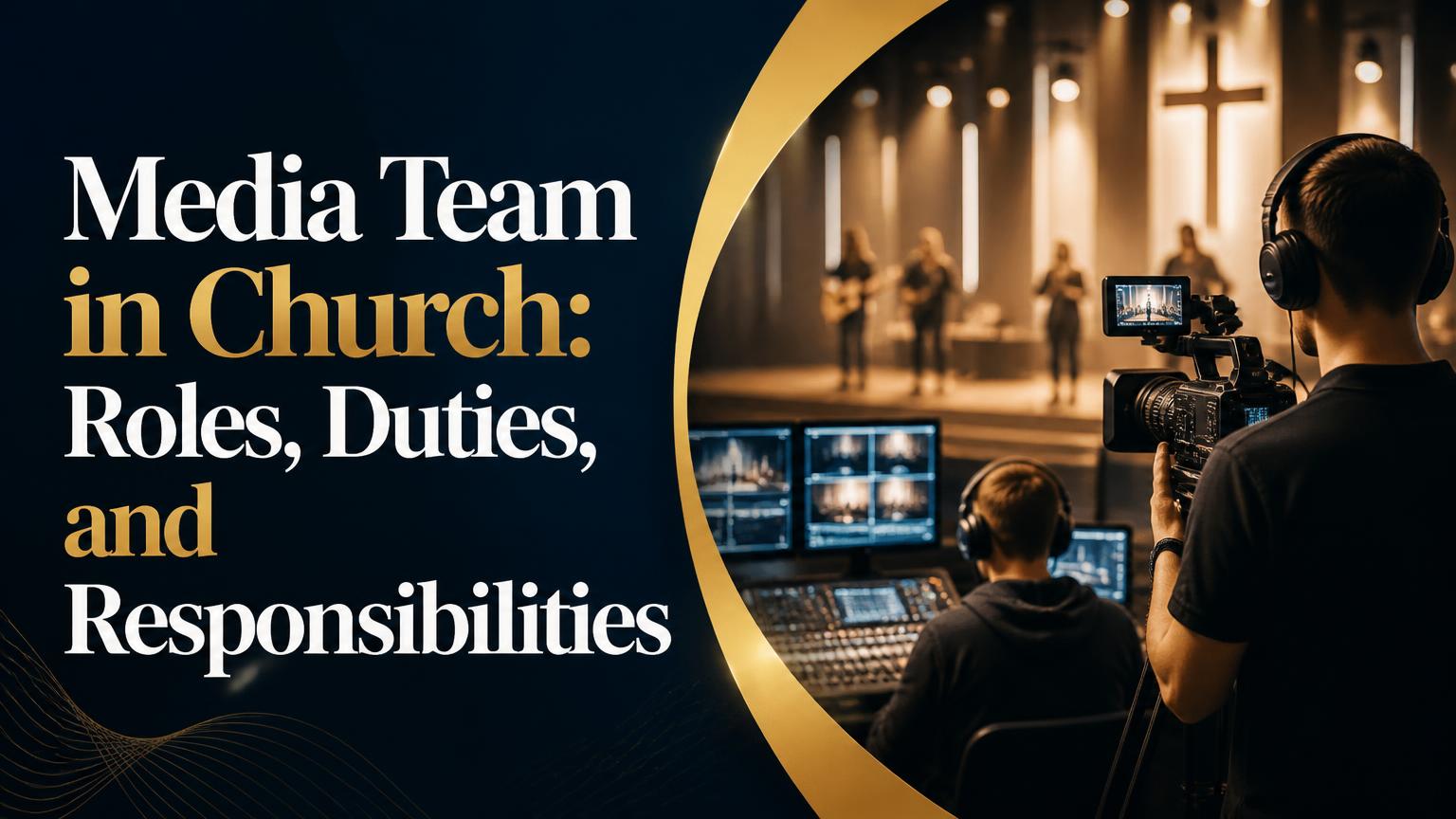
A media team in church helps the congregation communicate, participate, and remember what God is doing through worship services and ministry activities. Its work may include sound, projection, lighting, photography, video, livestreaming, website updates, social media, and digital content. Although much of the work happens behind the scenes, media decisions affect whether people can hear the message, follow the service, engage from home, and receive accurate information. A healthy team therefore combines technical competence with spiritual maturity, preparation, humility, teamwork, and care for people.
What Is a Media Team in Church?
A media team in church is a group of people who use technology and communication skills to support worship, teaching, outreach, administration, and fellowship. The team may serve during weekly services, special events, conferences, youth gatherings, funerals, weddings, and online ministry.
Its purpose is not to make a service look like a concert or to draw attention to production quality. Media should remove unnecessary barriers so that people can hear clearly, see what they need to see, understand what is happening, and participate appropriately. Technology is a tool for ministry, not the ministry itself.
What Does a Church Media Team Do?
A church media team plans, operates, and maintains the systems used to communicate during ministry events. Depending on the size of the church, the team may handle:
- Audio mixing for speakers, singers, musicians, and videos
- Projection of lyrics, Scripture, announcements, and presentation slides
- Livestreaming services for people unable to attend in person
- Camera operation, video recording, and editing
- Photography for church communication and documentation
- Lighting that supports visibility and atmosphere
- Website, email, and social media content
- Digital announcements and event promotion
- Equipment setup, troubleshooting, storage, and maintenance
The team also communicates with pastors, worship leaders, event coordinators, speakers, and volunteers. This coordination matters because technical decisions depend on the order of service, the number of participants, the location, and the needs of the congregation.
Key Roles on a Church Media Team
A small church may assign several responsibilities to one volunteer, while a larger church may have separate operators and leaders. Common roles include:
- Media director or coordinator: Schedules volunteers, creates procedures, communicates with ministry leaders, and oversees the team’s direction.
- Audio engineer: Sets microphone levels, balances music and speech, monitors sound during the service, and manages recordings.
- Presentation operator: Displays lyrics, Bible passages, videos, graphics, and announcements at the appropriate time.
- Camera operator: Frames and captures video for in-person displays, recording, or livestreaming.
- Livestream director: Selects camera views, manages the broadcast feed, checks online audio and video, and responds to technical problems.
- Lighting operator: Adjusts lighting for visibility, reading, preaching, music, and video.
- Content or communications volunteer: Prepares announcements, photographs events, edits media, and publishes approved information.
These roles overlap, but clear responsibility prevents confusion. Every service should have someone who knows who is operating each system, who makes decisions when problems occur, and who serves as the main contact for ministry leaders.
Media Responsibilities Before, During, and After Services
Good media ministry begins before people enter the building. Before a service, volunteers may review the order of worship, prepare slides, test microphones, check batteries and cables, confirm video files, inspect camera positions, test the livestream, and verify that names and Scripture references are accurate. A rehearsal or technical run-through is especially valuable for special services.
During the service, operators must remain attentive rather than simply reacting to instructions. They monitor sound, advance lyrics at the correct moment, display the right passage, watch for changes in the schedule, and respond calmly when equipment fails. A media volunteer should understand the service well enough to anticipate transitions without competing with the worship leader or speaker.
Afterward, the team shuts down equipment safely, stores or charges devices, checks recordings, notes problems, and prepares follow-up files. A short debrief can identify recurring issues, such as unclear communication, weak microphones, late slide submissions, or inadequate volunteer coverage. This turns individual experience into better future practice.
How Media Supports Worship and Ministry
Media supports worship by helping people receive and respond to what is being communicated. Clear audio allows a congregation to hear Scripture, prayer, preaching, and music. Readable lyrics and passages help people participate without guessing. A well-managed livestream extends access to people who are sick, traveling, caring for a family member, or exploring the church from a distance.
The team also supports discipleship and outreach through recorded sermons, teaching resources, testimonies, event information, and online communication. However, online participation should not be described carelessly as identical to gathering with the church in person. A livestream can provide meaningful connection and access, but it does not remove the value of embodied fellowship, pastoral care, and shared congregational life.
Essential Duties of a Church Media Team
The exact duties depend on the church’s size, budget, building, and ministry goals. The central responsibility remains consistent: use communication systems reliably, thoughtfully, and ethically so that ministry leaders and congregations can focus on the service rather than avoidable technical obstacles.
Audio and Sound Management
Audio is often the most important technical responsibility because people cannot benefit from teaching or worship they cannot hear. Audio volunteers position microphones correctly, set appropriate gain, balance voices and instruments, reduce distracting noise, and monitor the room and broadcast separately when necessary. The sound mix that works in the sanctuary may not work online.
Good sound requires preparation rather than constant volume increases. Microphone choice, speaker placement, room acoustics, monitor levels, and performer technique all affect clarity. Volunteers should learn how to identify feedback, distortion, dead batteries, cable faults, and poor microphone placement. They should also protect hearing by avoiding unnecessarily loud levels.
Visuals, Slides, and Lighting
Projection and presentation volunteers prepare lyrics, Bible passages, sermon notes, videos, lower-thirds, and announcements. Accuracy matters: a misspelled name, incorrect verse, or unreadable slide can distract people and communicate poor care. Text should be large enough to read, contrast should be strong, and slides should contain only the information people need at that moment.
Lighting should support visibility rather than create a spectacle. Speakers need to be seen, musicians need workable light, and cameras need consistent exposure. Excessive movement, bright effects, or rapidly changing colors can distract worshipers and create problems for people with sensory sensitivities. A simple, dependable setup is often more effective than a complicated one.
Livestreaming, Recording, and Digital Content
Livestreaming involves more than placing a camera in the back of the room. The team must consider camera framing, audio quality, internet stability, graphics, transitions, privacy, and the experience of online viewers. A clean audio feed is usually more valuable than many camera angles. The broadcast should help viewers follow the service without making the production itself the focus.
Recordings may be edited into sermons, training materials, testimonies, or short clips. Before publishing, the church should consider whether everyone shown or heard has given appropriate permission, especially children and vulnerable individuals. Churches should also use music, images, video, and other content in ways consistent with applicable permissions and licenses.
Biblical Principles for Church Media Ministry
The Bible does not provide a technical manual for livestreams, cameras, or presentation software. It does provide principles for service, stewardship, truthfulness, excellence, humility, and love. These principles help a church decide not only what its media team can do, but what it should do and why.
Serve People Rather Than Pursue Attention
Jesus taught His disciples to reject status-seeking and practice humble service (Mark 10:42–45). Applied to media ministry, this means volunteers should measure success by whether people were helped to participate and understand—not by whether the team received recognition. The most effective media work is often nearly invisible because it supports the congregation without drawing attention to itself.
This principle does not prohibit creativity or high standards. It places them in the right order. A visually attractive video or polished livestream can serve communication, but production quality should not become a substitute for truth, pastoral care, prayer, or genuine community.
Pursue Excellence With Wisdom
Colossians 3:23 connects ordinary work with wholehearted service to the Lord. For a media team, this supports careful preparation, punctuality, continued learning, and responsible equipment use. Excellence means doing the assigned work thoughtfully and reliably; it does not mean demanding perfection or judging volunteers harshly when something goes wrong.
Excellence also includes knowing when to simplify. A church should select systems its volunteers can operate consistently and maintain financially. The most expensive equipment is not automatically the best ministry choice. Dependability, clarity, accessibility, and sustainability usually matter more than impressive specifications.
Practice Truthfulness, Safety, and Care
Media shapes what people see, hear, and remember, so honesty matters. Images should not misrepresent events, announcements should be checked, testimonies should be handled respectfully, and edited content should not create a false impression. James 3:1–12 highlights the moral power of communication; that principle applies to digital messages as well as spoken words.
Care also includes safeguarding. Churches need sensible practices for photographing and recording children, protecting private information, managing account access, and responding to inappropriate content or behavior. Volunteers should know who approves public communication and how to report concerns. Technical skill never replaces pastoral wisdom or safeguarding responsibility.
How to Organize and Develop a Church Media Team
A sustainable team requires more than recruiting someone who knows how to operate a camera. Leaders should define the team’s purpose, identify actual ministry needs, and establish a manageable level of production. Clear expectations help volunteers serve without feeling that every service depends on emergency improvisation.
Recruit for Character, Reliability, and Teachability
Technical ability is useful, but character and dependability are often more valuable. A volunteer who arrives prepared, communicates clearly, accepts correction, and remains calm under pressure can grow into a strong operator. Churches should explain the time commitment, training expectations, service schedule, and responsibilities before assigning someone to a role.
Training should be practical. New volunteers can observe an experienced operator, practice during rehearsals, learn basic troubleshooting, and serve under supervision before working alone. Written checklists, equipment labels, diagrams, and simple operating procedures reduce dependence on one person and make it easier for new volunteers to contribute.
Establish Workflows and Decision-Making
A media workflow should answer basic questions: Who submits slides? When are sermon notes due? Who approves announcements? Who schedules volunteers? Who may access livestream and social media accounts? Who decides whether a service is recorded or broadcast? Without clear answers, last-minute changes create avoidable mistakes.
The team should also establish a service plan, equipment checklist, backup procedures, and communication method. After an outage or error, the goal should be learning rather than blame. A calm leader can decide what matters most, such as keeping speech audible, displaying a printed backup, or continuing the service without a nonessential visual element.
Build a Ministry That Is Sustainable
Volunteer teams can become unhealthy when a few people carry every service, every platform, and every repair. Rotation, cross-training, scheduled breaks, and realistic production standards protect volunteers from burnout. A church may need to reduce the number of services it broadcasts or simplify its graphics rather than expect constant availability.
Budgeting should include maintenance, replacement cycles, software, internet service, storage, training, and accessibility—not only initial equipment purchases. A modest system that the church understands and can maintain will serve better than a complex system that frequently fails because nobody has time or knowledge to operate it.
Common Challenges and Practical Responses
Church media teams commonly face late content, volunteer shortages, inconsistent audio, equipment failures, unclear authority, and tension between creativity and concentration. These problems are rarely solved by buying more equipment alone. They usually require clearer communication, better preparation, defined roles, and a willingness to simplify.
A team should distinguish essential functions from optional enhancements. Clear speech, accurate lyrics, safe equipment, and reliable communication deserve priority. Additional camera angles, animated graphics, elaborate lighting, or frequent online clips may be useful, but they should not displace the fundamentals.
Leaders should also ask how different people experience the service. Older adults may need larger text, online viewers may need a separate audio mix, people with disabilities may need accessible materials, and families may need clear privacy expectations. Listening to the congregation helps the team serve actual needs rather than assumptions about what looks impressive.
Conclusion
A media team in church combines technical service with spiritual responsibility. Its work includes audio, visuals, lighting, cameras, livestreaming, recording, digital communication, equipment care, and coordination with ministry leaders. The strongest teams do more than operate technology: they prepare carefully, communicate truthfully, protect people, train others, and use appropriate tools without making production the focus of worship.
Church media is most effective when it helps people hear the gospel, participate in congregational life, access teaching, and connect with the church. Humility, reliability, wisdom, and love should guide every role. When technology remains a servant of clear communication and faithful ministry, the team can make a substantial contribution while remaining appropriately behind the scenes.